
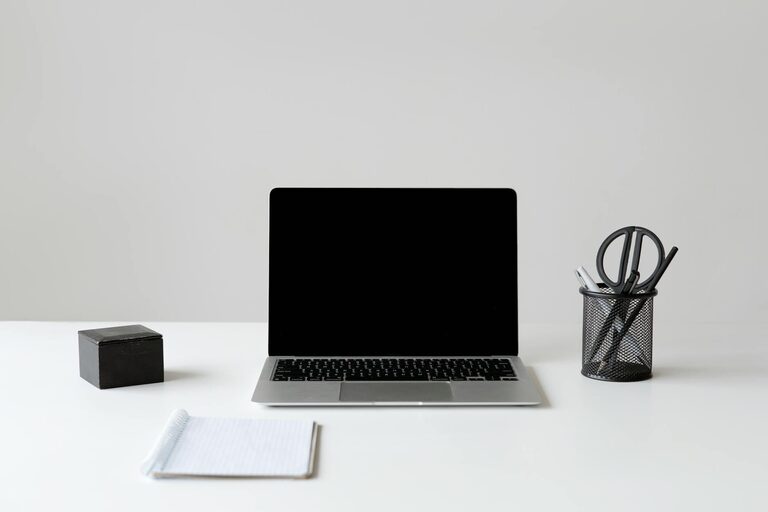
Creating a clutter-free and organized home workspace can significantly improve your productivity and make working from home more enjoyable. A tidy environment helps reduce distractions, boost focus, and create a sense of calm. Whether you have a dedicated room or just a small corner, these tips will help you design an efficient and welcoming workspace.
Why an Organized Workspace Matters
A cluttered desk often leads to a cluttered mind. When your workspace is messy, it’s easy to lose track of important documents, waste time searching for things, and feel overwhelmed. An organized area not only makes it easier to find what you need, but it also encourages better work habits and reduces stress.
Tips for Creating a Clutter-Free Workspace
1. Choose the Right Location
Start by selecting a spot in your home that offers enough space and natural light if possible. Good lighting reduces eye strain and can make the area feel more inviting. If you can, avoid high-traffic or noisy areas to minimize distractions.
2. Use Functional Furniture
Invest in a desk that fits your space and meets your work needs. Consider desks with drawers or shelves to help keep supplies organized. A comfortable, supportive chair is equally important to maintain good posture and prevent fatigue.
3. Declutter Regularly
Set aside time weekly to clear unnecessary items from your desk. Sort papers, recycle what you don’t need, and put away tools or accessories after use. Regular decluttering stops mess from building up and keeps your workspace efficient.
4. Organize with Storage Solutions
Use storage containers, file organizers, and drawer dividers to group similar items together. Label containers or files for easy access. Vertical storage units can save desk space while keeping supplies within reach.
5. Minimize Items on Your Desk
Keep only essentials on your desktop such as your computer, a notebook, and a pen holder. Avoid letting personal items or snacks crowd your work area. A clean surface promotes clear thinking and better workflow.
6. Manage Cable Clutter
Use cable clips or a cord box to keep wires neatly bundled and out of sight. This simple step prevents tangling and makes your workspace look neater.
7. Incorporate Personal Touches Sparingly
Adding a plant or a small photo frame can make your workspace feel more personalized without causing clutter. Choose a few small decorative items that bring you joy and avoid overdoing it.
8. Create a Filing System
Set up a simple filing system for important documents. Use folders or binders categorized by topic or project. Store frequently used papers nearby and archive older files out of sight.
9. Maintain Digital Organization
Don’t forget your digital workspace. Keep your desktop computer files organized with clearly named folders. Regularly delete unnecessary files and back up important data.
10. Develop Good Habits
Make it a habit to tidy your desk at the end of each workday. This can include clearing your screen, putting away documents, and wiping down the surface. Small daily actions prevent clutter accumulation.
Conclusion
An organized home workspace doesn’t have to be complicated or expensive. By creating a comfortable area, using smart storage solutions, and maintaining regular decluttering habits, you can enjoy a productive and calm work environment. Try these tips to transform your home office into a place where you can focus, create, and succeed every day.